

1. How to Sign Up for Snippet AI
Follow these simple steps to create your account and dive into the Snippet AI dashboard:Step 1: Visit the Website
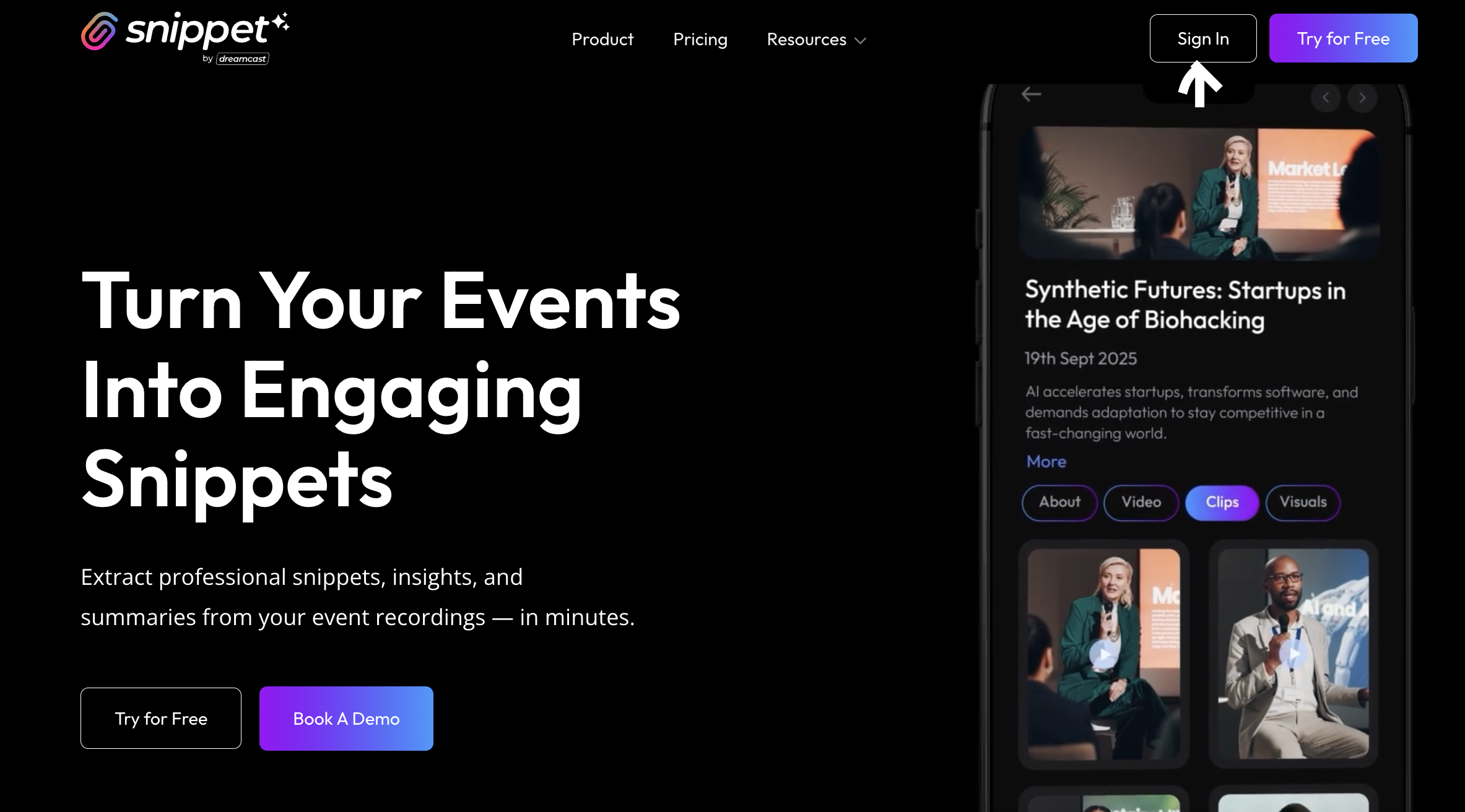
Go to 👉 www.getsnippet.ai You’ll find the “Try for Free” or “Sign Up” button right on the homepage.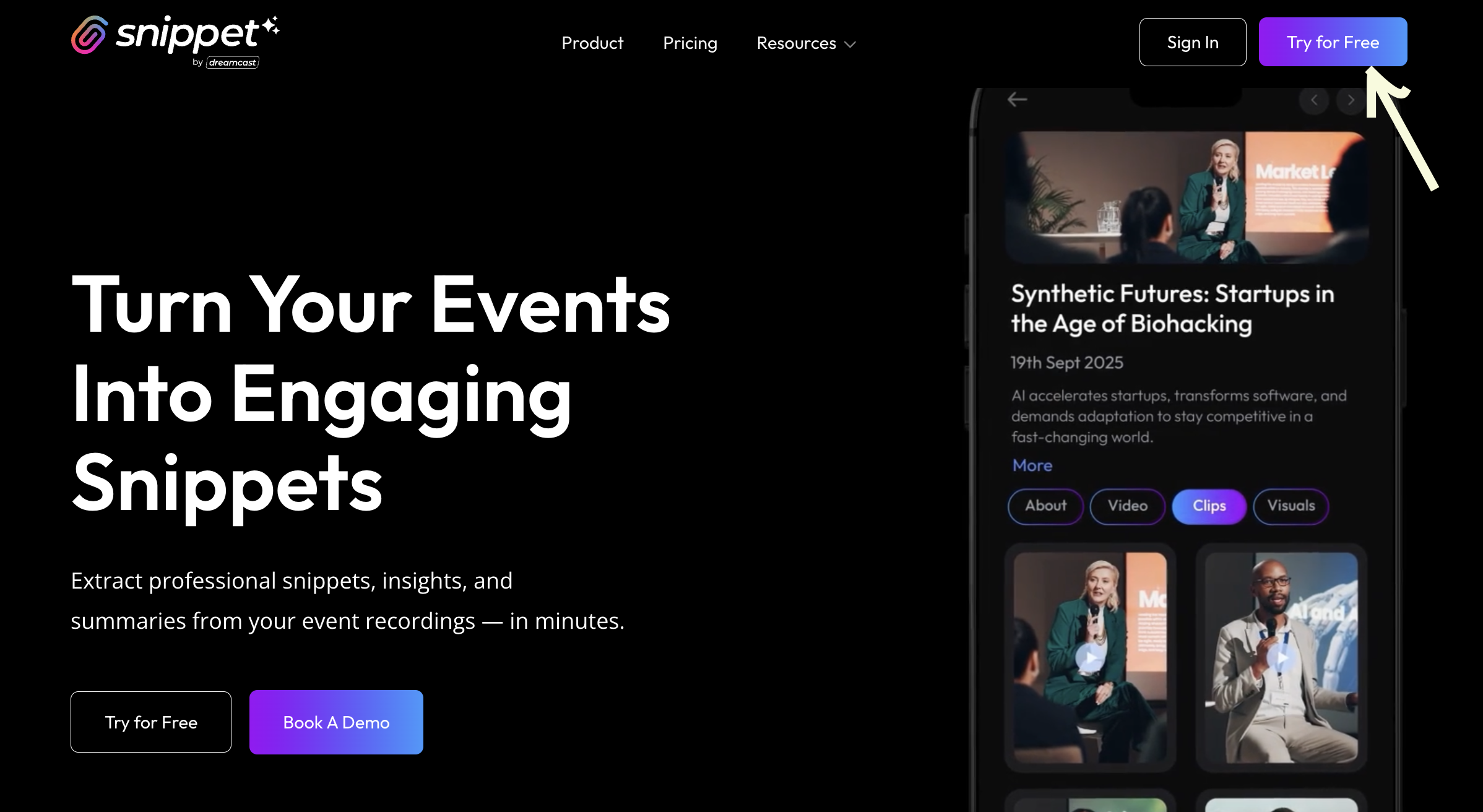
Step 2: Enter Your Email Address
Once you click Sign Up, you’ll be asked to enter your email address. This helps us create your secure user session and send you a one-time verification code.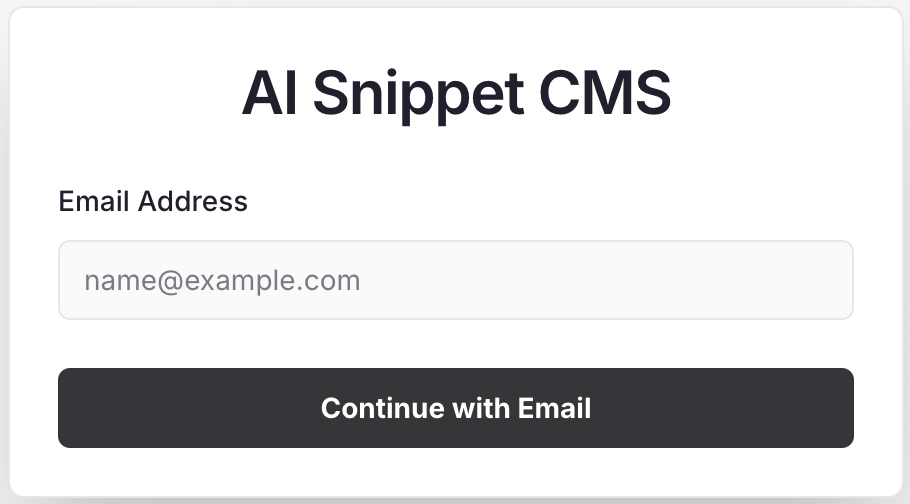
Step 3: Verify with OTP
You’ll receive a 6-digit OTP in your email inbox. Enter it in the verification field and click Verify.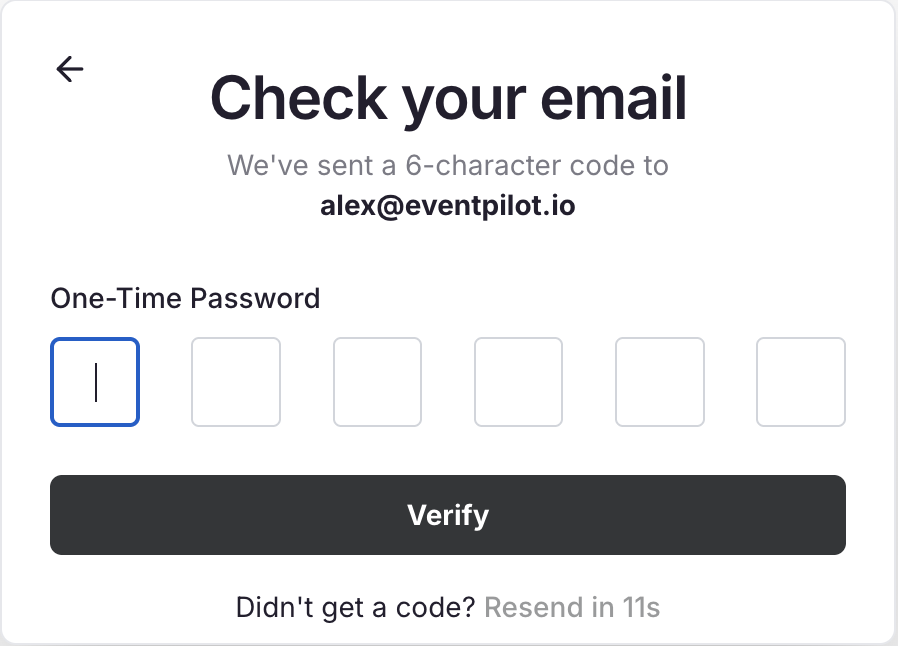
Step 4: Complete Basic Details
Once verified, you’ll be prompted to fill in a few quick details:- Full Name
- Mobile Number
- (Your email is already pre-filled!)
Step 5: Access Your Dashboard
Click Next, and you’ll instantly land on your Snippet AI Dashboard, where you can start creating your first event or uploading content.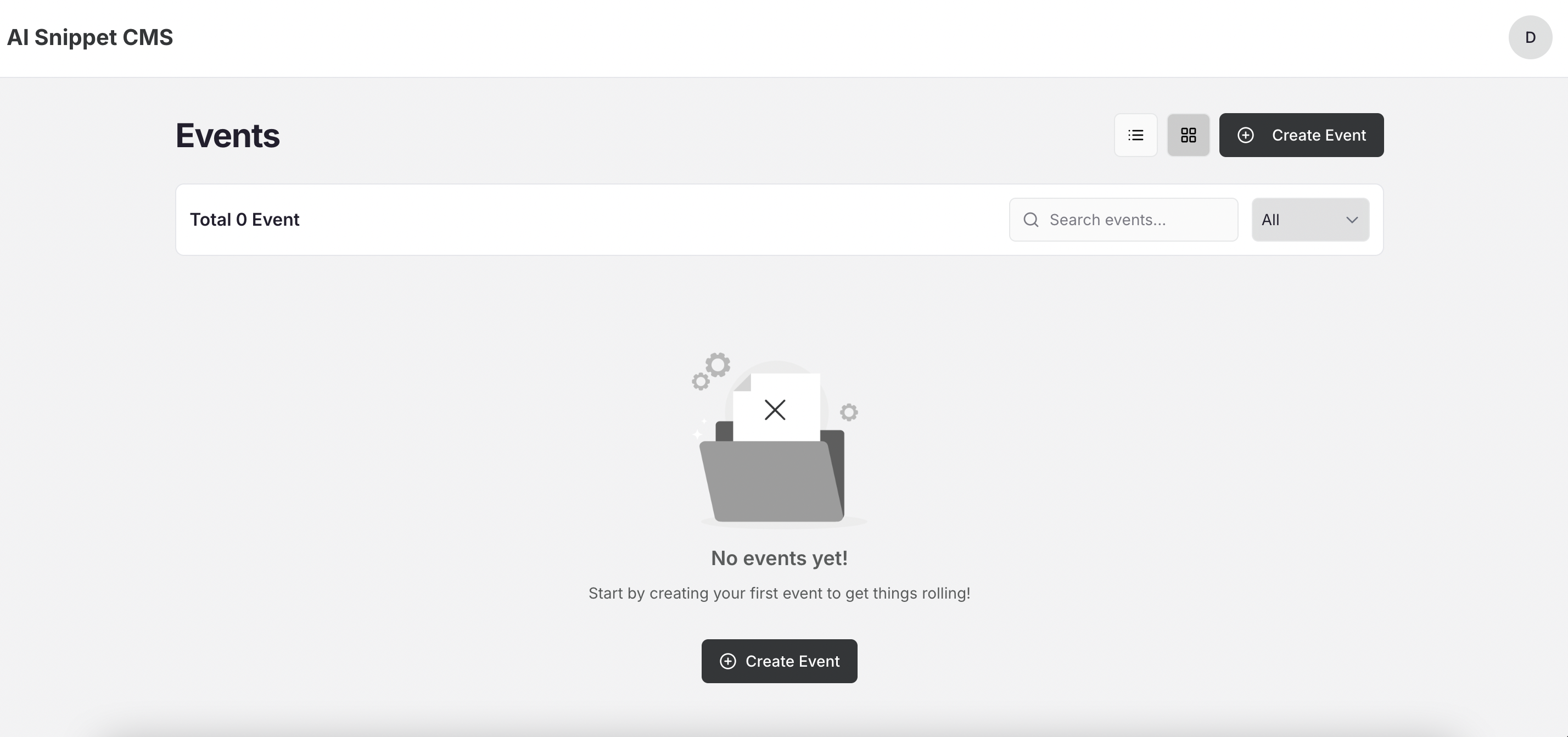
2. Logging In to Snippet AI
If you already have an account, logging in is just as simple:- Visit www.getsnippet.ai
- Click Login (top-right corner).
- Enter your registered email address.
- Check your inbox for the OTP and enter it.
- You’ll be logged in instantly — no passwords required!
No Social Login Yet:Currently, Snippet AI supports email-based login only for added privacy and security. Social login (Google, LinkedIn, etc.) will be introduced in future updates.